- Home
- About
- Image Browsing
- Simple Demo
- Group Demo

SEE-FISH TECHNOLOGY
SEE-VIEW® 3D image browser
Image organisation for small colections.
In the following demonstration two small datasets have been chosen to demonstrate See-View in two different modes.
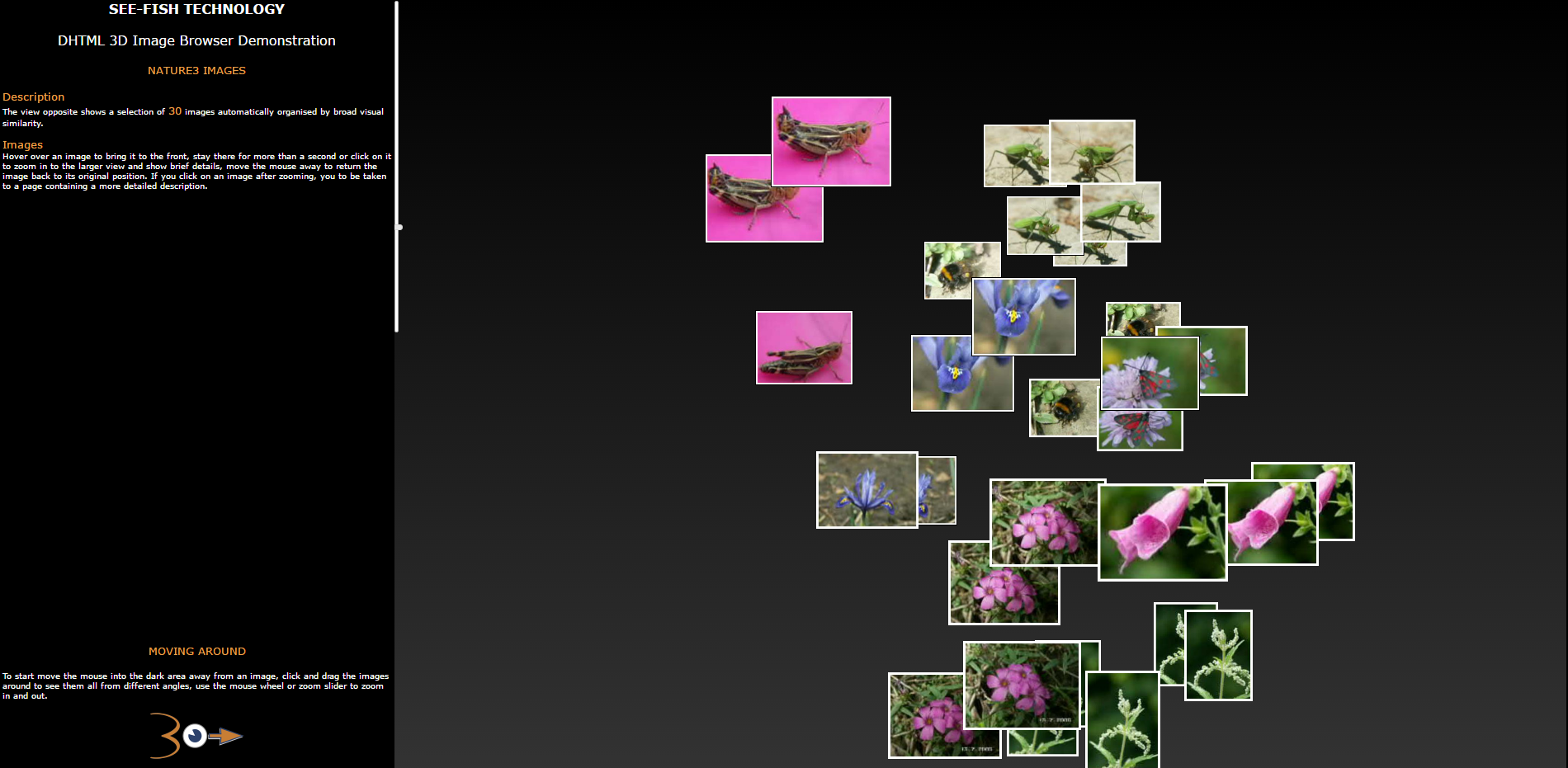
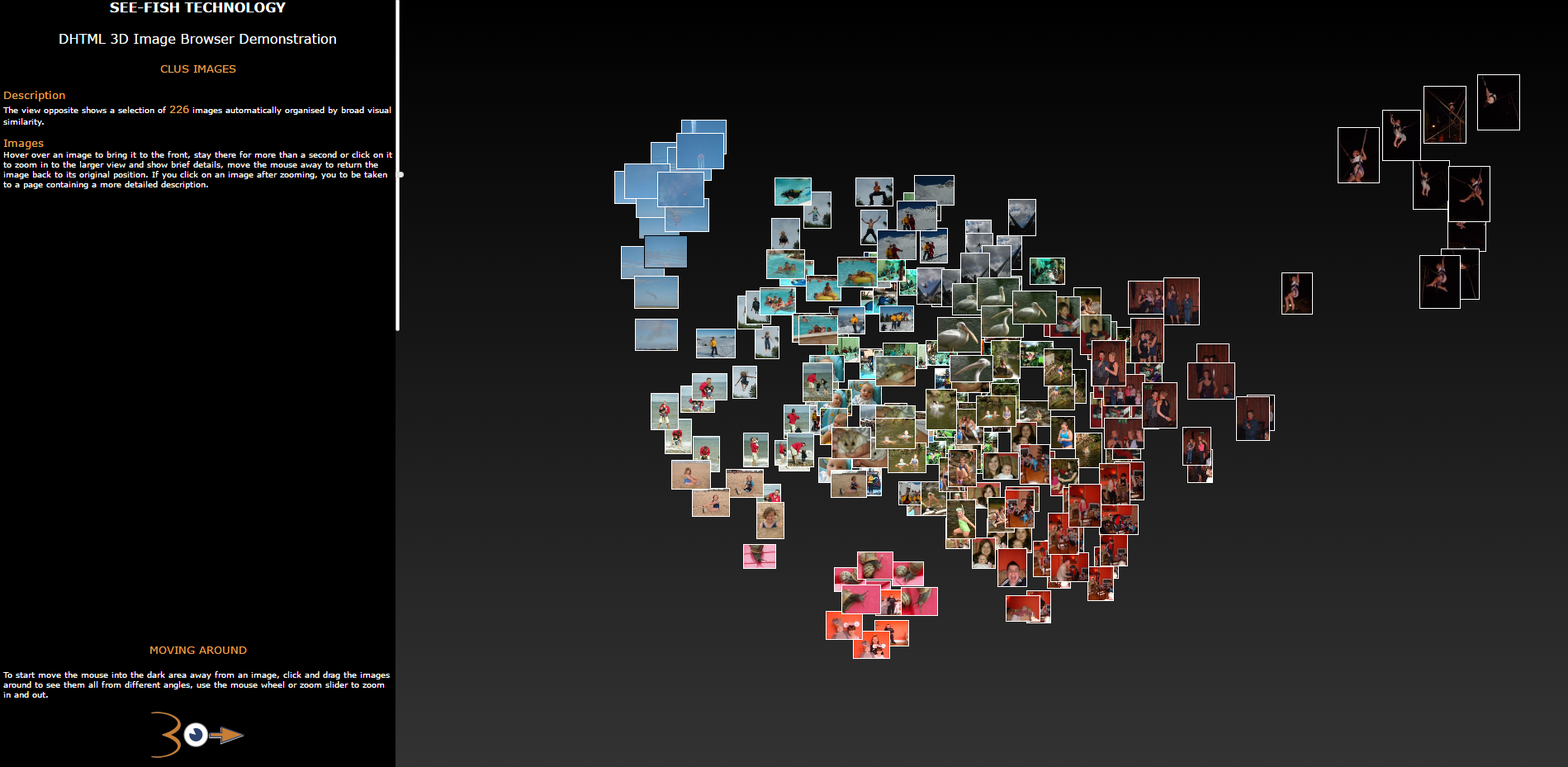
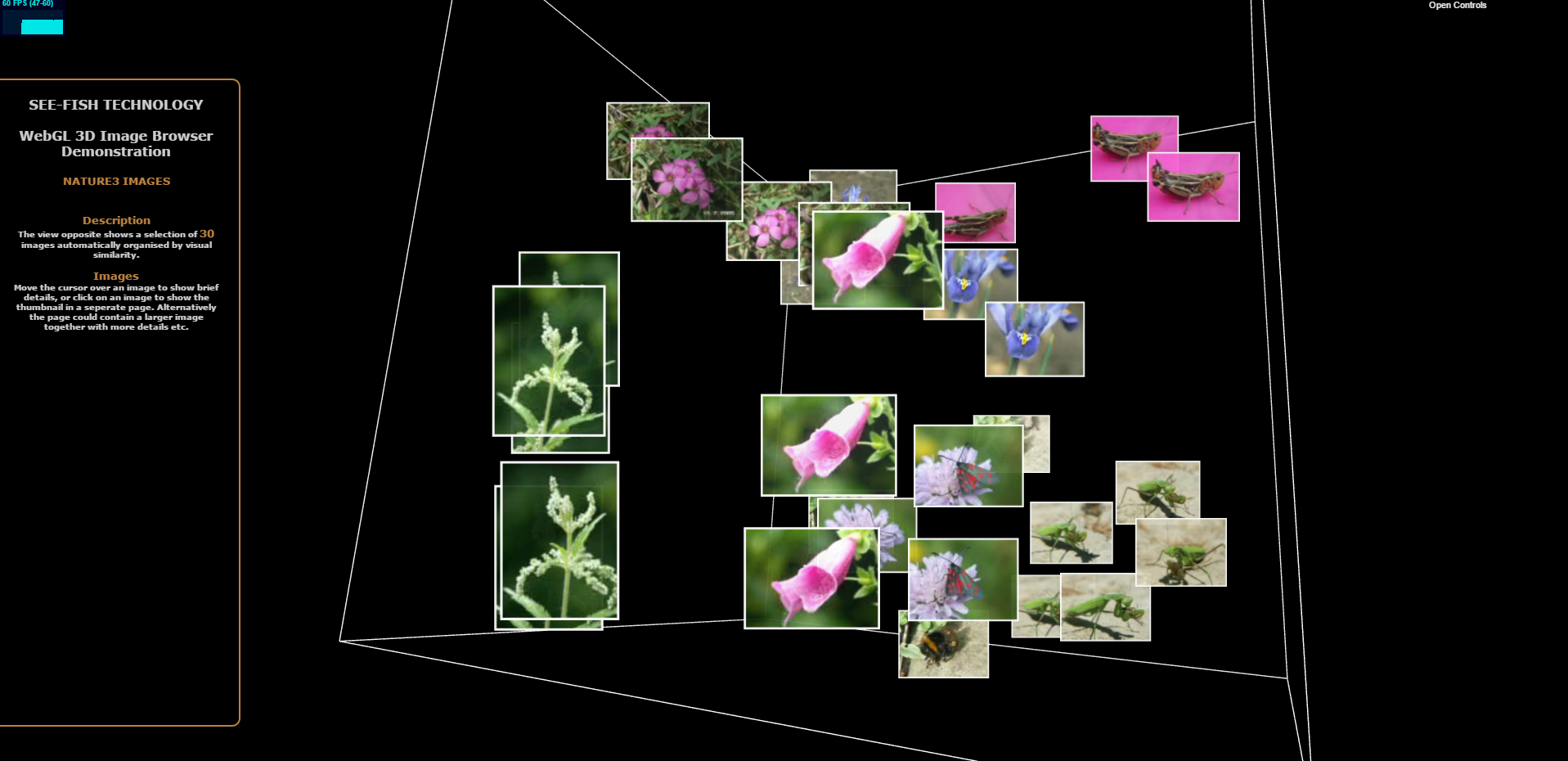
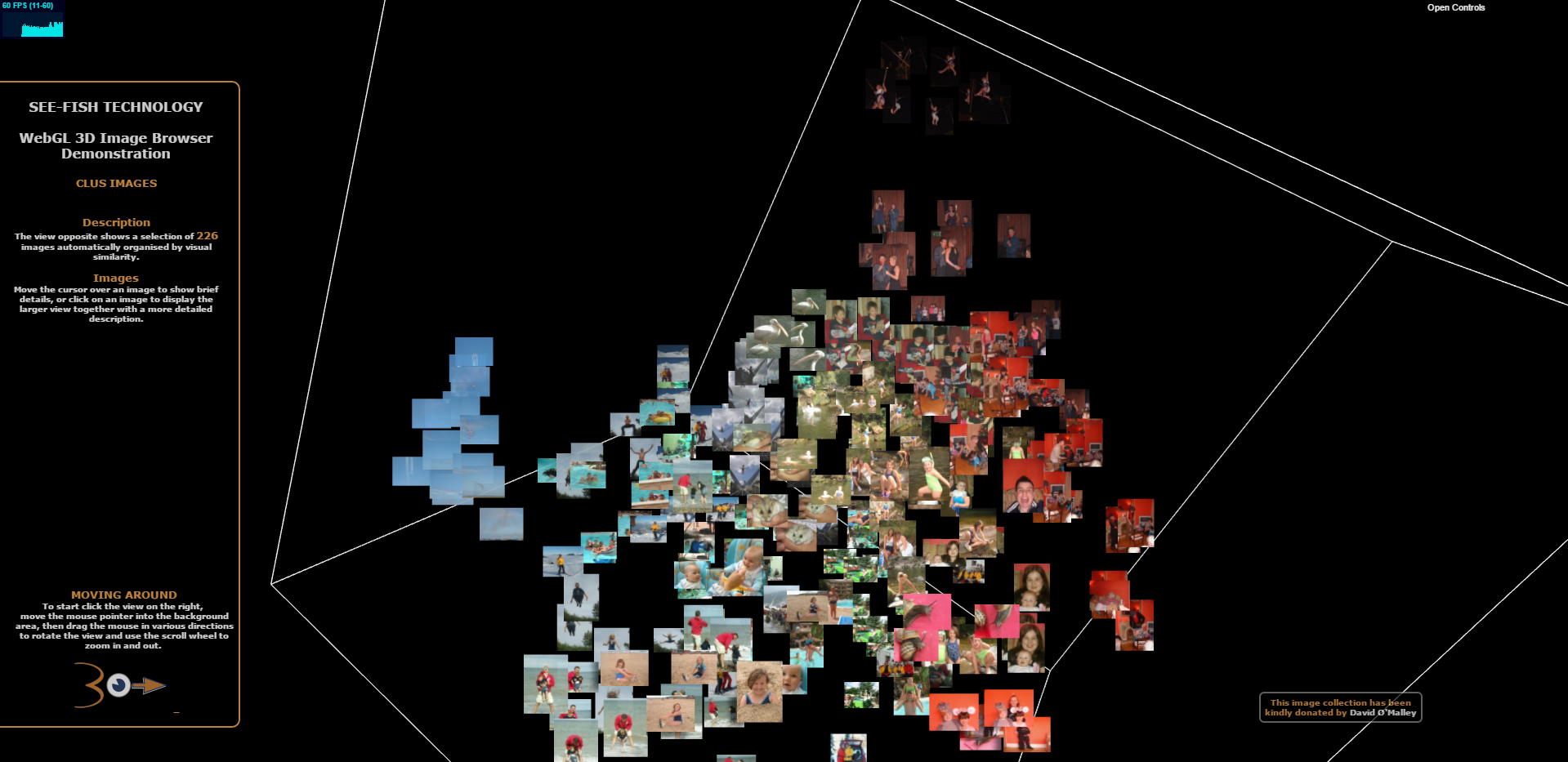
This demo allows you to 'visually glide' through the image collections using DHTML or WebGL.
DHTML allows you to explore the collections using older browsers.
WebGL is much faster, allows many more images to be displayed, and is a realistic 3D environment.
Demonstration using two small collections of images.
Select one of the screen shots below to try See-View for yourself and interact with the small collections.
Demonstration using DHTML
Demonstration using WebGL
WebGL is relatively new technology, only supported by modern browsers, minimum requirements are listed below
iOS 8 (iPhone6)
Android 4
IE 11
© 2018 produced by Jon Riley